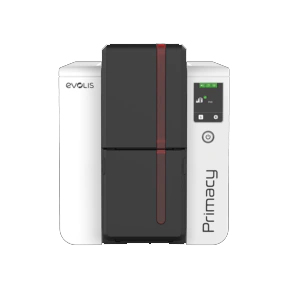
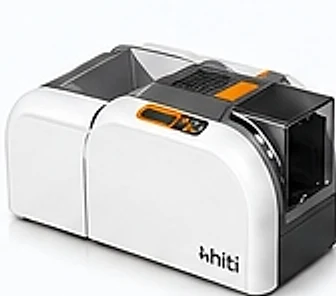
Evolis Primacy 2
High-performance, durable ID card printer for professional use.
- Dual-sided printing
- High-quality output
- Flexible encoding options
- Reliable & durable
Evolis and HiTi printers, smart cards, lanyards, holders and everything you need for professional identification.
Reliable, secure and versatile printers for every business need.
High-performance, durable ID card printer for professional use.
The HiTi CS-270e PVC ID Card Printer is a professional, high-quality card printing solution designed for schools, colleges, universities, corporate offices, hospitals, hotels, government departments a
High-Quality Smart Cards
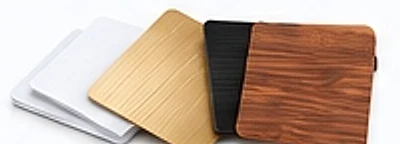
PVC, metal, wood and customised cards.
View All Smart CardsCustom Printed Lanyards
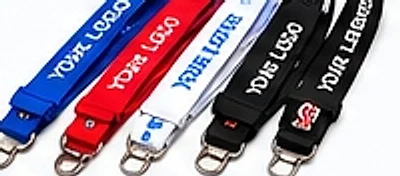
High-quality lanyards for schools, colleges, corporates and events.
View All LanyardsMultiple Card Holder Options
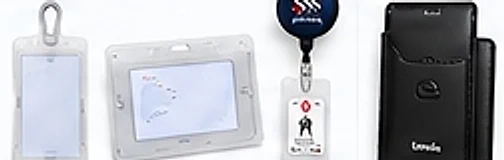
Durable and stylish card holders for every need.
View All Card HoldersPremium NFC + QR review cards to help your business get more Google reviews from happy customers.
Shop Review Cards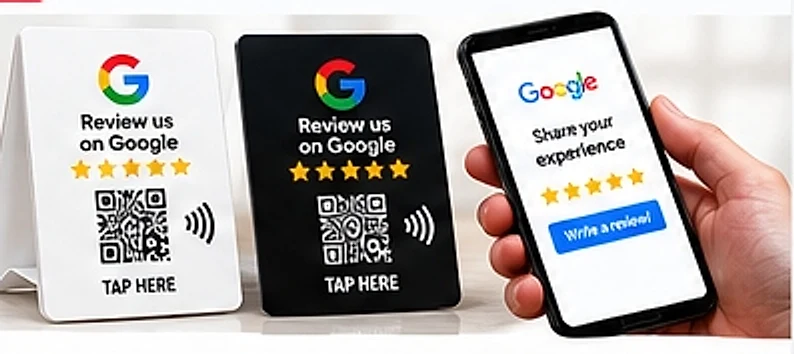
Everything you need around your ID card printer — from one trusted supplier.
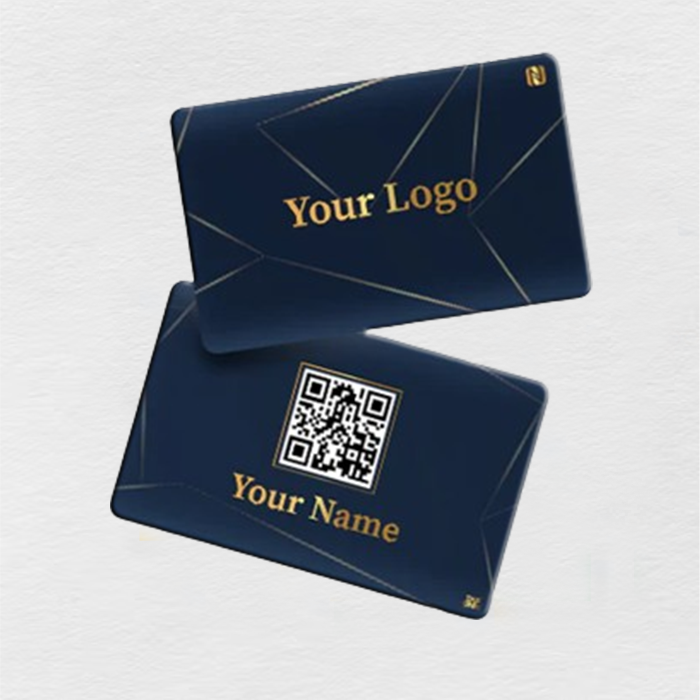
Tap-to-share PVC business card with your custom design.

Transparent, hard-shell, reel and leather card holders.

Premium Custom Logo Printed Lanyards for Schools, Colleges, Corporate Offices & Events. Durable, Comfortable ID Card Lanyards with Personalized Branding, Bulk Orders & PAN India Su
Get help choosing your printer, personalising cards and keeping your printing setup running.
On-site setup of your Evolis or HiTi ID card printer, software and card templates — with hands-on training so your team prints perfect cards from day one.
Learn moreAnnual maintenance contracts and fast repairs for Evolis and HiTi ID card printers — cleaning, printhead care, genuine spares and priority support.
Learn moreDon’t want to buy a printer? We design and print your PVC ID cards in bulk — with photos, barcodes or QR codes — and deliver them ready to use.
Learn moreWe program NFC business cards and set up Google review cards for your business — the right link, QR code and NFC chip, tested on iPhone and Android.
Learn moreA Google review NFC card is a card with an NFC chip and a QR code that opens your business’s Google review form when a customer taps it with their phone or scans the code. It removes the steps of searching for your business on Google Maps, so more happy customers actually leave a review.
The card stores a short web link; when a phone touches the card, the phone reads the link over NFC and opens it in the browser, which redirects straight to your Google review box. The QR code on the same card does the same thing for phones that scan instead of tap.
No app is needed. Customers either tap the card with an NFC-enabled phone or scan the QR code with their normal camera, and the Google review page opens in their browser. Google may ask them to sign in to their Google account before posting.
Using both is best: NFC is the fastest (one tap, no camera), while QR works on every smartphone including older phones without NFC. Star Solution & Services cards include both on the same product, and the dashboard shows how many customers used each.
Open your Google Business Profile (search your business name on Google while signed in, or go to business.google.com), tap “Ask for reviews” or “Get more reviews”, and copy the link that looks like g.page/r/…/review. You can also paste your Google Place ID (starting with ChIJ) into the Star Solution & Services dashboard and we build the link for you.
Scan or tap your new card, sign in or create a free account, add your business with its Google review link, and press Activate — it takes about two minutes. From then on, every tap or scan opens your Google review page.
Talk to our team in Dwarka, New Delhi for the right setup and the best price.